WongWong
February 28, 2024, 8:42am
1
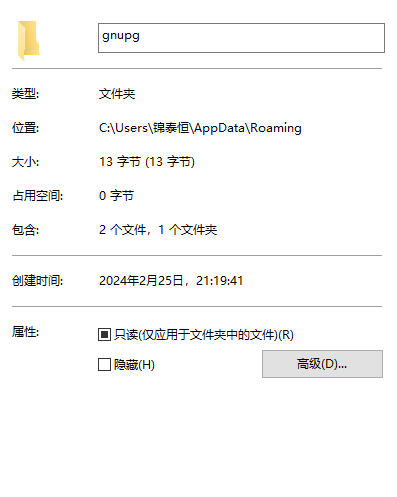
When the Windows 10 administrator account has a Chinese name, it can cause Chinese characters to appear in the Gpg4win profile path.
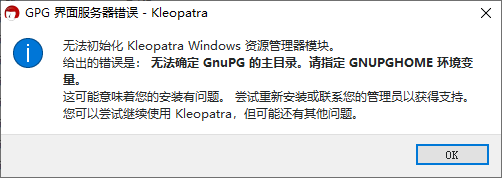
This can cause Gpg4win to not find the profile file. “The home directory of gnupg cannot be determined. Please specify the GNUPGHOME environment variable.”
Welcome to this forum, @WongWong !
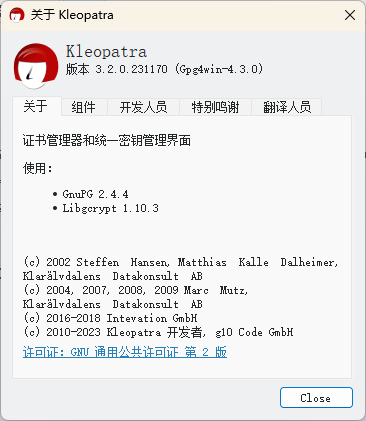
Which version of Gpg4win are you using?
bernhard
February 28, 2024, 11:30am
4
Hi @WongWong ,
Do you know an easy way to create a profile path with such characters on a German or Englisch Windows 10 system?
Do you know if the problem is also there or Windows 11?
Best Regards,
Turtle5912
January 25, 2025, 8:23am
5
Hi @bernhard ,
pschwabauer
January 27, 2025, 9:17am
6
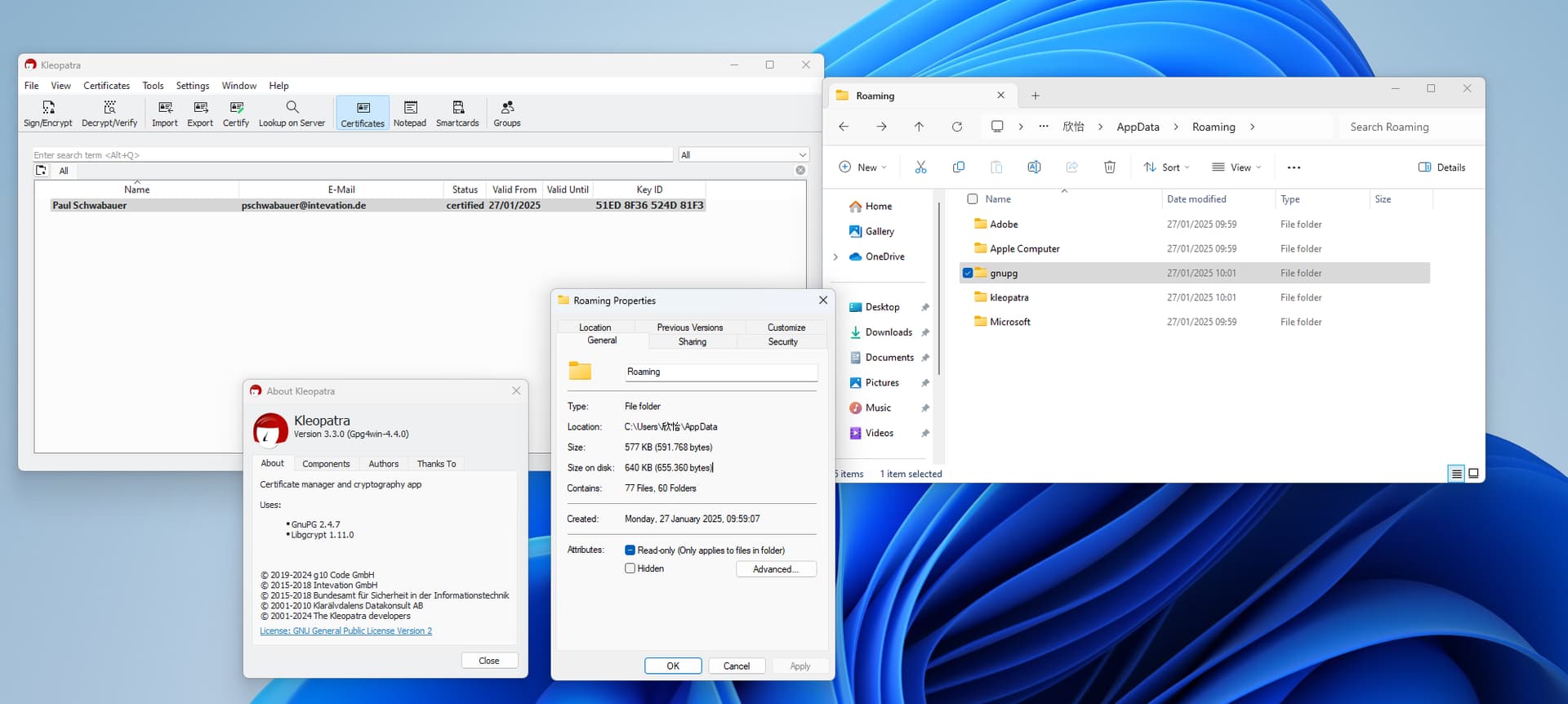
I cannot reproduce this issue. I could successfully sign a file with Kleopatra on Windows 11.
Hi!
Just coping from the other similar thread: Kleopatra couldn't determine the GnuPG home directory - #3 by bernhard
In my case I have Gpg4win 4.4.x and GNU Privacy Guard 2.4.x.
Winget offered to upgrade GNUPG for 2.5.x then it broke Gpg4win.
I remove both and install older versions (2.4.8 + 4.4.1) and it works.