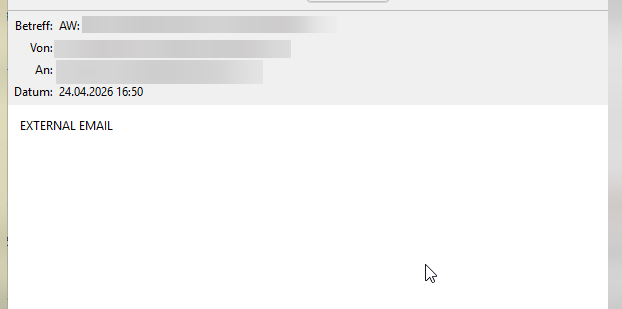
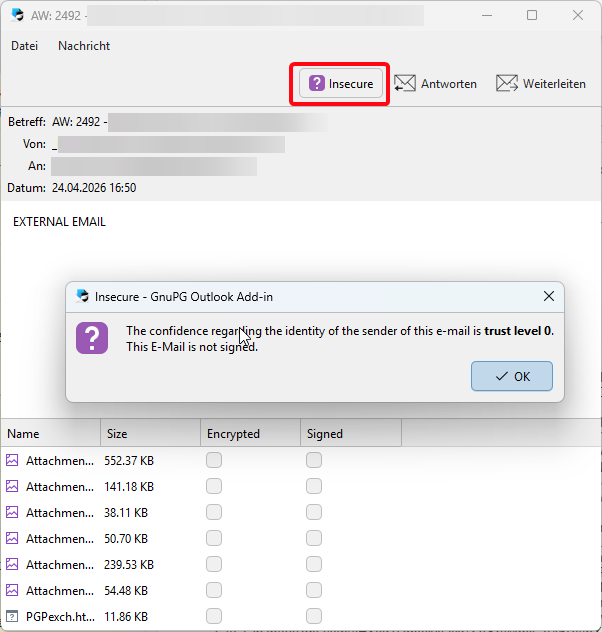
I seem to have the same problem with gpgOL in the new Outlook. we have this “External Email” indicator, which leads the text of the email to not be recognized properly when decrypting
The “EXTERNAL EMAIL” is in the Mailtext after that the inline Text PGP is added.
is there a setting or possibility that gpgOL recognizes all text between -----BEGIN PGP MESSAGE----- and -----END PGP MESSAGE----- not regarding if there is any text before or after that block and decrypt the pgp block proberly?
GpgOL/web - the add-in for the new Outlook - is technically quite different from the “classic” GpgOL. Therefore, while this may look like the same problem, it probably makes most sense to continue this discussion in a separate thread.
Anyway, I tried, but did not manage to replicate the problem in GpgOL/web. Which version are you using? Could you download the offending message from Outlook as .eml, strip any sensitive headers, and send it to me in a private message?
i think it may also have to do with that the mail it is sent from a shared mailbox in their outlook which the cannot encrypt the mail itself but only paste the pgp encrypted text into it, rendering the mail as empty when opening it in Klepoatra gpgOL/web
I tried sending you a PM just now. Perhaps you can reply to that.
Otherwise, I note that the message in question has quite a number of attachments. I wonder, if it may be more complex in other ways, too. E.g. perhaps it is a multipart/alternative?
Could you perhaps post just enough of the .eml for me to understand the MIME structure? I.e. at least all lines with a “Content-Type” header, and the boundary lines (starting with --)?
The message contains both multipart/mixed, and multipart/alternative sections, indeed. I can confirm it is not rendered, correctly, and will look into that. At the same time this does look somewhat unusual, too.
As the other party is already doing the encryption separately, a quick workaround could be for them to simply send the encrypted part as an attachment, rather than inline.
Well the counterpart is a government section… so i highly doubt i can make them change their flow. they mentioned using an integrated sofware as a plugin in outlook.
they use a software called “Symantec Encryption Desktop”
i guess the plugin just takes the reply written by the clerk and generates the —PGP— part out of it and pastes that into a mail as inline text or something like this. and i guess the inline copy also has to do with the fact that the shared mailbox cannot be encrypted directly only via the key of the clerk using it and they do not want to share the public keys from all workers separatly
I see. On your side, the only option will be to show the message source (Message→View Source), copy the PGP block, then decrypt it, manually (e.g. in kleopatra: Tools→Clipboard→Decrypt/Verify).
A proper fix is in progress, but it may take some time for it to appear in a release. You can track the progress at https://dev.gnupg.org/T8248 .