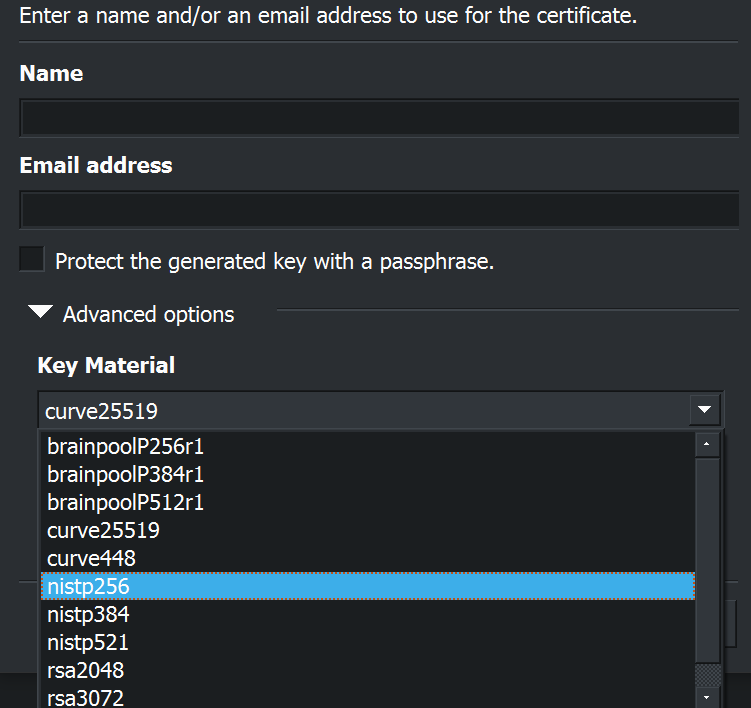
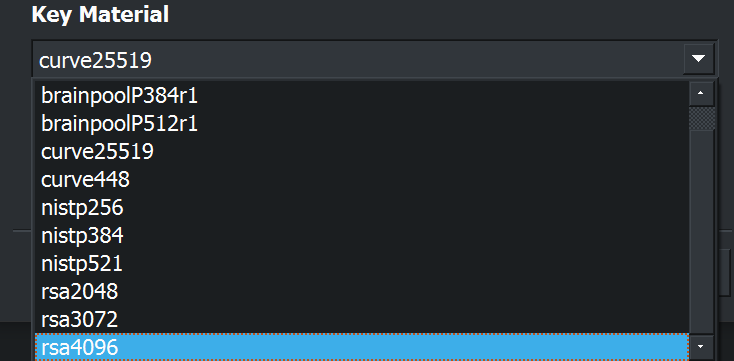
I’m using Kleopatra on Windows 10 and I can’t seem to find the option to set AES256 as algorithm when generating a key pair.
Yet :
If anyone could help on that matter I would be grateful.
I’m using Kleopatra on Windows 10 and I can’t seem to find the option to set AES256 as algorithm when generating a key pair.
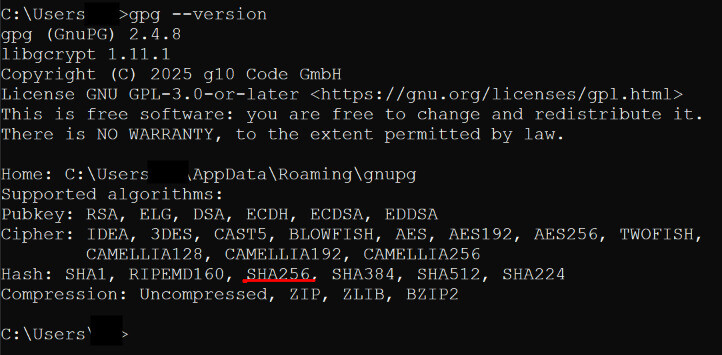
Yet :
If anyone could help on that matter I would be grateful.
Note that the keypair you are creating is for asynchronous cryptography, that is the algorithm that you have to chose first.
The hash algorithm is then used for sign the pubkeys and to do signatures. As for signatures within communication, the algorithm is selected by the preferences of all recipients (says the GnuPG documentation). So you can only give a preference with your pubkey, that can be changed later.
How do I change the preference?
I don’t understand anything…
How do I change the preference?
The first point is: When generating a key pair, the preference of the digest cannot be selected.
(I’ve tried to briefly explain why, maybe I was to too technical there, sorry for that.)
Any supported GnuPG version will chose reasonable defaults, there is no need to select the digest preference yourself. May I ask why you would want to do it?
If you are an expert, you can tweak the digest selection and preferences for signing. The options can be set in the configuration files, e.g. look at GPG Option --personal-digest-preferences or GPG Esoteric Option --cert-digest-algo and GPG Esoteric Option --digest-algo .
You have to manually set those options in the configuration file for GnuPG. You can find or create that file in your GNUPGHOME directory (e.g. .gnupg/gpg.conf).
Kleopatra does not expose these options (I’ve checked with gpgconf --list-options gpg with gnupg 2.4.8).
Does that help you?
Best Regards,
Bernhard